Updated on December 8, 2025
TL;DR
- FlashForge blends accessible pricing, smooth usability, and reliable performance — great for beginners, hobbyists, educators, and small creative businesses.
- Standout strengths include print quality, material compatibility, and an approachable 3D printing workflow that doesn’t require constant tweaking.
- Downsides: a more closed ecosystem and fewer customization options for hardcore modders.
- If you want a dependable machine that prints without drama, FlashForge is a strong pick.
When FlashForge Steps Into the Room
FlashForge has become one of those names you hear casually dropped in maker spaces, classrooms, and DIY communities — not because it’s flashy (pun intended), but because it’s consistent. From the jump, FlashForge set out to make 3D printing feel less like engineering homework and more like creative freedom.
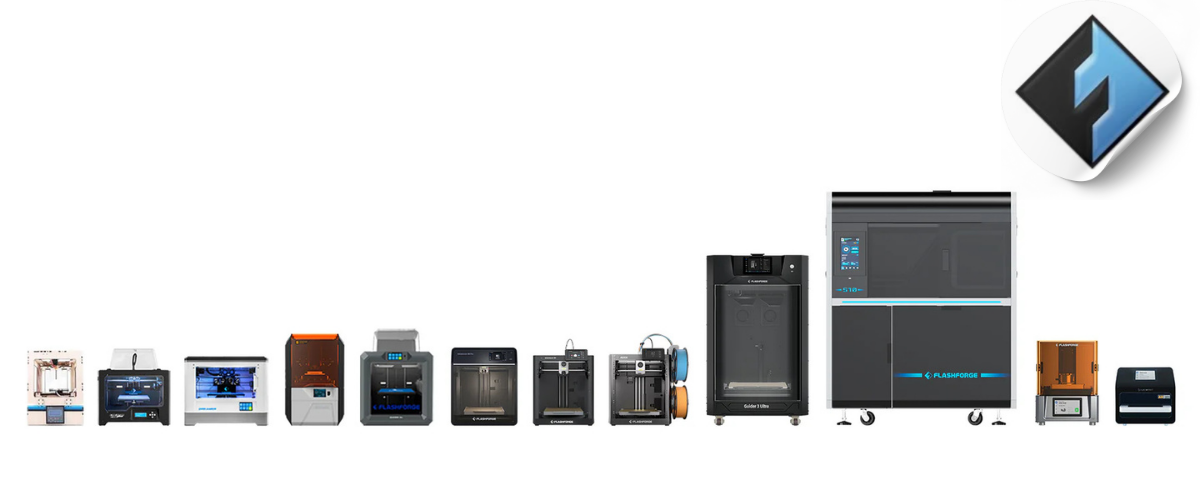
They built their reputation on machines that prioritize stability, intuitive design, and practicality. Whether you’re printing cosplay details, prototypes, classroom models, or small-batch product ideas, a FlashForge 3D printer tends to slide right into your workflow without demanding too much attention. And that’s a big part of why it has such broad appeal.
Why FlashForge Gets So Much Love
A Sweet Spot of Price and Performance
One of FlashForge’s biggest wins is how it delivers strong print quality without forcing you into premium-budget territory. It’s the kind of brand people recommend when you want to get serious about 3D printing but don’t want to feel like you’re investing in a second mortgage.
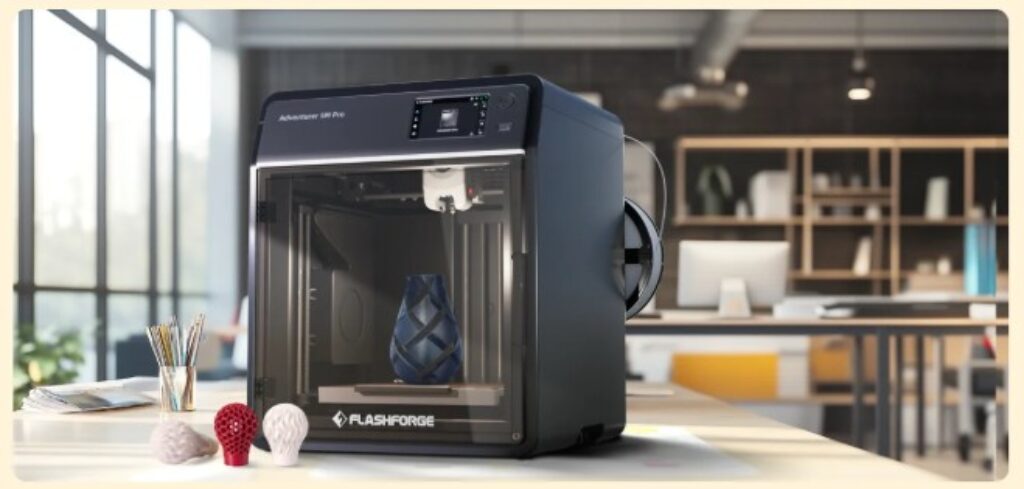
Their machines tend to offer solid features — enclosed frames, touchscreen controls, stable construction — at a value that makes sense for classrooms, hobbyists, and growing creators. They’re not bargain-bin machines; they’re accessible, mid-tier workhorses built to last.
User-Friendly Without Feeling “Basic”
FlashForge leans heavily into usability, and honestly, it shows. Many of their printers are practically plug-and-play. Touchscreens, pre-calibrated frames, simplified software, guided leveling — these things go a long way if you’re new to 3D printing or just don’t want the setup phase to turn into a weekend project.
At the same time, experienced makers can still appreciate the reliability. With wide material compatibility (PLA, ABS, PETG, and more), multiple extruder options on some models, and consistently dependable print quality, these printers grow with you as your skills expand.

The Places Where FlashForge Holds Back
A Closed Ecosystem That Limits Modders
All that convenience comes with a trade-off: FlashForge isn’t the most mod-friendly option out there. Their ecosystem tends to be more closed, which means fewer hardware upgrades, less firmware tweaking, and reduced ability to reinvent the machine into something wildly custom.
If your joy comes from modding a printer like it’s a vintage car, this may feel like creative handcuffs.
More Practical Than Experimental
FlashForge machines are reliable, consistent, and thoughtfully built — but not cutting-edge rebels. They’re not designed for ultra-high-temperature exotic filaments, industrial-level experimentation, or niche workflows. They sit more comfortably in the dependable, versatile, everyday-use category.
And honestly? That’s a plus for most people. But for those chasing high-end specs or boundary-pushing printing, FlashForge may feel a bit tame.
Who FlashForge Is Ideal For
- Newcomers and Curious Creators: If you want to try 3D printing without the intimidation, FlashForge is one of the easiest on-ramps.
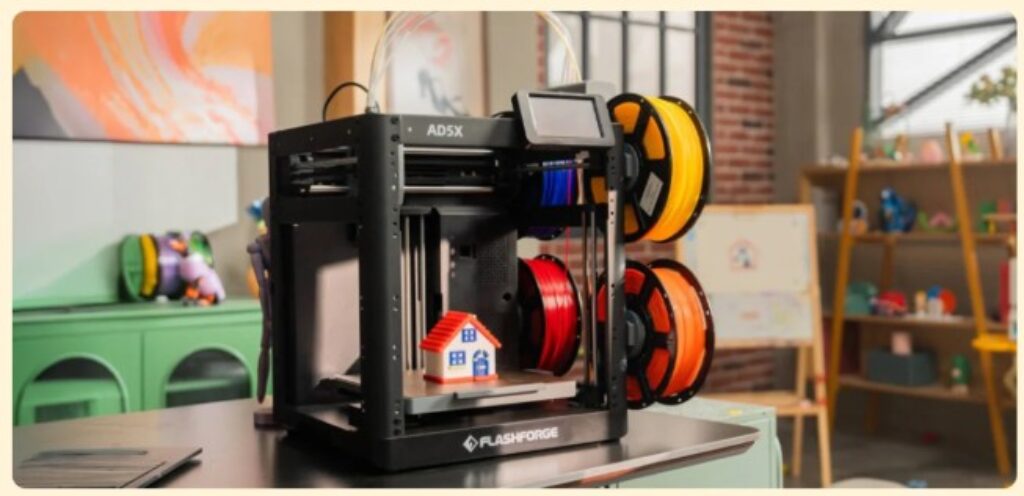
- Teachers and Classrooms: Safety features, enclosed frames, and reliability make these printers classroom-friendly.
- Artists, Designers & Small Businesses: They offer enough print quality and material range to support creative and professional projects.
- Anyone Who Wants Their Printer to “Just Work”: No constant recalibration, no fuss.
Who won’t love it?
- Tinkerers and Hardware Hackers: If you want total control, open modification, or extreme customization, FlashForge may feel too restrictive.
The Verdict: A Dependable Creative Companion
FlashForge sits in this sweet space where ease meets reliability. No, it’s not the most customizable system. No, it’s not the experimental playground that enthusiasts dream of. But for the vast majority of creators, it offers something more valuable: stability, quality, and a straightforward path to turning ideas into physical objects.
If your goal is to print confidently and consistently without wrestling with your machine every time, a FlashForge 3D printer deserves a spot on your shortlist.
Bottom Line
FlashForge succeeds because it’s built for people who want great print quality, straightforward usability, and dependable performance wrapped in a friendly, accessible package. For everyday creators, classrooms, and hobbyists, it offers exactly what you need — and very little you don’t.
So what matters more to you in a 3D printer: the freedom to tinker endlessly, or the comfort of a machine that always shows up ready to work?
Frequently Asked Questions
Q1: Is FlashForge good for beginners?
Yes — their machines are designed to be user-friendly, with setup and operation that feel intuitive even if you’ve never touched a 3D printer before.
Q2: What kinds of filaments can a FlashForge 3D printer use?
Most models support PLA, ABS, PETG, and sometimes additional specialty materials depending on the printer.
Q3: How reliable is FlashForge print quality?
Print quality is one of FlashForge’s biggest strengths. Their enclosed designs and stable frames help deliver consistent, high-quality results.
Q4: Are FlashForge printers easy to maintain?
Maintenance is straightforward—mostly cleaning, occasional lubrication, and keeping the nozzle in good shape.
Q5: Do FlashForge printers support upgrades or modifications?
Upgrades are limited. The ecosystem is more closed compared to open-source printers, so heavy modders may feel restricted.
Q6: Are these printers suitable for professional prototyping?
Yes. Many small businesses and designers use FlashForge printers for functional models, visual prototypes, and product development.
Q7: How loud are FlashForge printers?
Most models are relatively quiet thanks to enclosed frames and smoother mechanics.
Q8: Is dual extrusion available?
Some models offer dual-extruder setups, ideal for multi-material or multi-color printing.
Q9: Are they safe for classrooms?
Absolutely — the enclosed design and intuitive interface make them great for educational settings.
Q10: What’s the biggest reason people choose FlashForge?
The balance of ease, reliability, and print quality without overwhelming complexity.