Updated on July 14, 2026
TLDR
LegacyBox offers a genuinely convenient way to turn boxes of old tapes and photos into digital files, but you’re paying for convenience over speed or premium quality control.
- What it is: a mail-in digitization service for VHS tapes, film reels, photos, and other analog media
- Who it’s for: people with a backlog of old family media who don’t want to DIY the conversion process
- Top strength: simple all-in-one packages that handle everything from shipping to digital delivery
- Main limitation: turnaround times can stretch for weeks or months depending on order volume and add-ons
- Quick verdict: solid choice for casual users, but bulk archivists or perfectionists may want a local specialty shop instead
Table of Contents
- TLDR
- Introduction
- What LegacyBox Actually Does
- Real-World Experience Patterns
- Pricing and Value Comparison
- Who Should Use LegacyBox
- Bottom Line
- Frequently Asked Questions
- How long does LegacyBox take to process an order?
- Is LegacyBox safe for irreplaceable family videos?
- What media types does LegacyBox accept?
- How much does LegacyBox cost?
- Do I get my original tapes and photos back?
- Can I track my order while it’s being processed?
- Is LegacyBox better than converting media myself?
- What digital formats does LegacyBox deliver?
Introduction
Most households have at least one box sitting in a closet full of VHS tapes, camcorder cassettes, or slide reels nobody has watched in over a decade. The footage is often irreplaceable, but the format is basically obsolete, and finding a working VCR in 2024 is its own small miracle. That’s the situation LegacyBox is built to solve, positioning itself as the easy button for turning forgotten analog media into shareable digital files.
The pitch is straightforward: order a kit, pack your tapes and photos, mail it off, and wait for digital copies to show up on a thumb drive or in the cloud. The question worth asking is whether that simplicity holds up once you actually send off memories you can’t replace if something goes wrong. This review breaks down how the service performs in practice, where it earns its price tag, and where it falls short of expectations.
What LegacyBox Actually Does
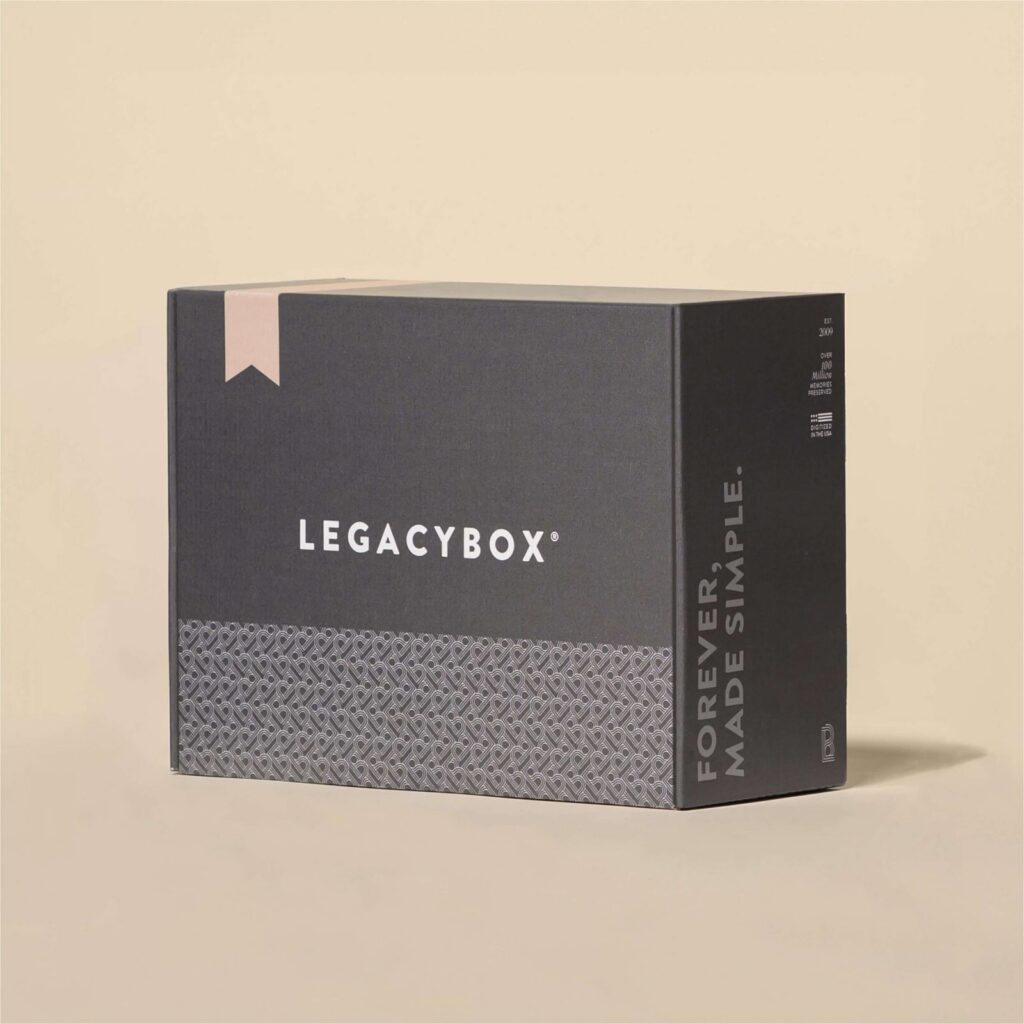
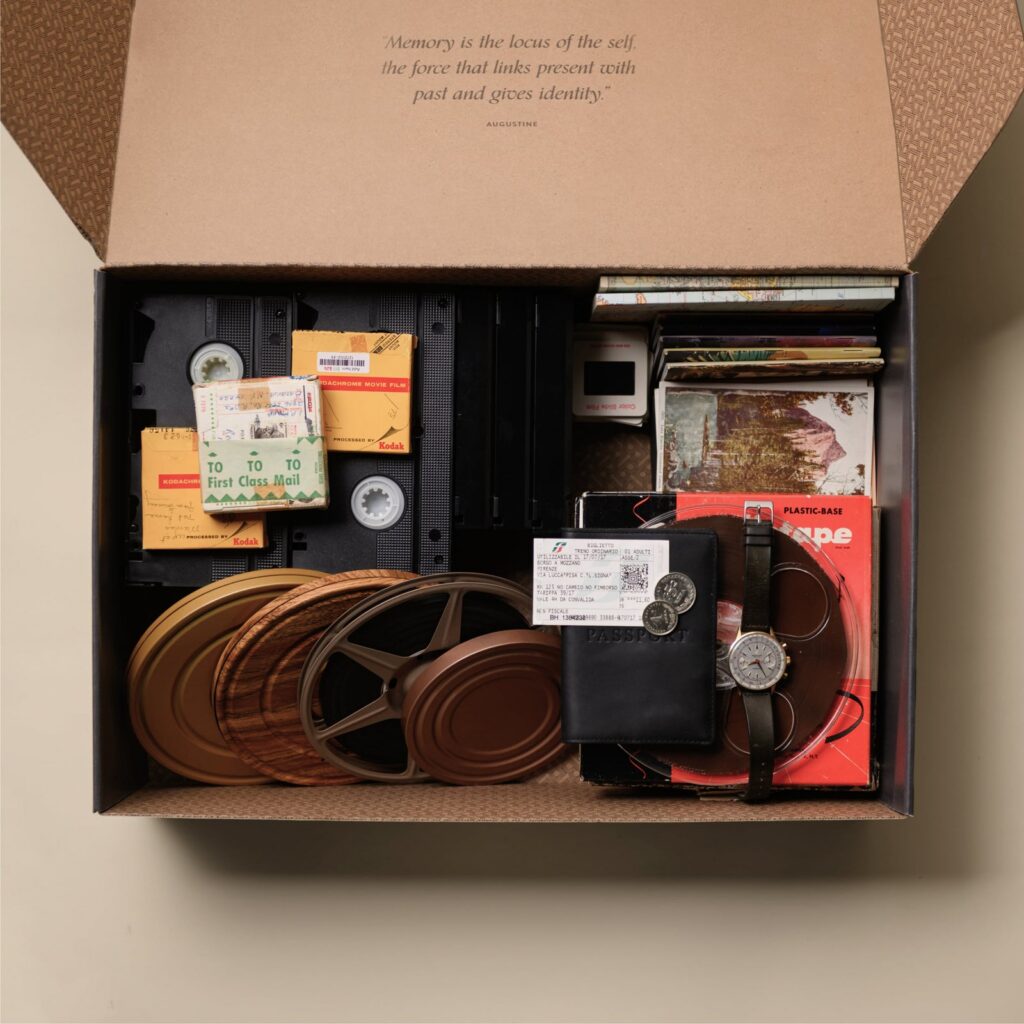
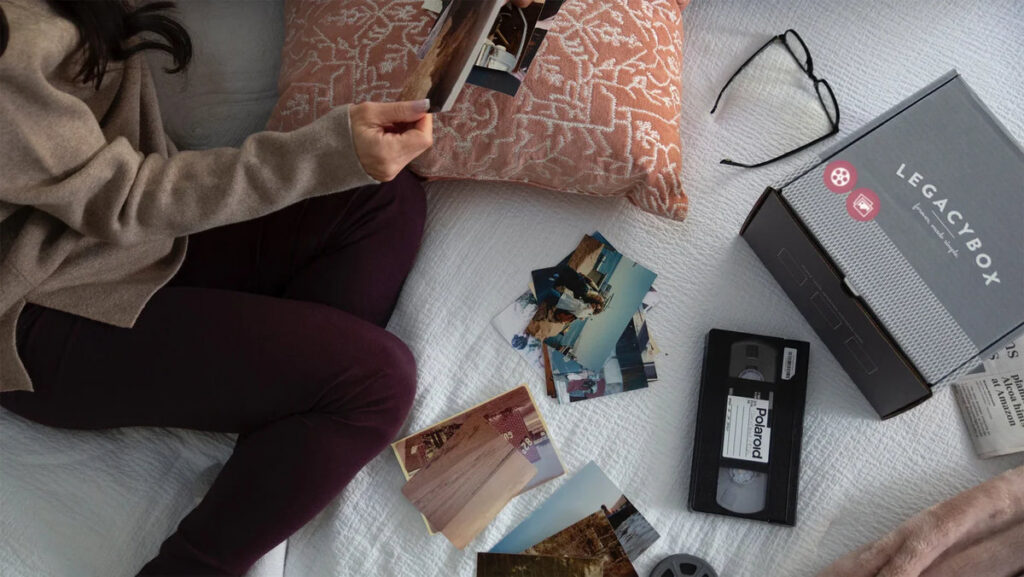
LegacyBox specializes in converting outdated physical media into digital formats. That includes VHS and VHS-C tapes, Video8 and Hi8 cassettes, MiniDV tapes, 8mm and 16mm film reels, photo prints, slides, and even audio cassettes. The company sends customers a kit sized to their order, complete with a box and prepaid shipping label, which customers fill with their media and send back for processing.
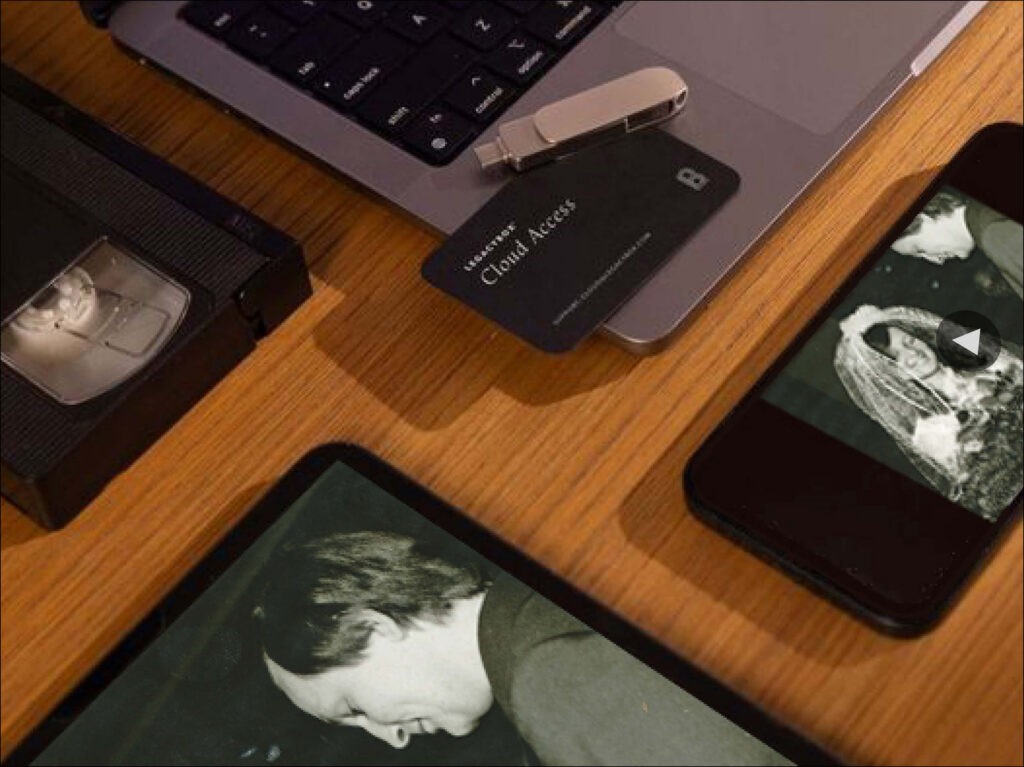
Once received, the media goes through a digitization pipeline at a processing facility, and customers get their originals back along with digital copies delivered via USB drive, DVD, or a cloud storage link. The service is aimed squarely at people who have a mix of formats and don’t want to buy separate equipment or learn how to run a film scanner themselves. For someone with three VHS tapes and a shoebox of prints, this is far less hassle than sourcing individual converters.
The Kit System and Ordering Process
Ordering starts with picking a kit size, which is essentially a bundle that covers a set number of items across different media types. Larger kits offer a better per-item rate, which nudges customers toward consolidating everything they own into one shipment rather than sending smaller batches over time. This pricing structure makes sense from a business standpoint, but it does mean casual users with just a handful of tapes may feel like they’re paying a premium compared to bulk customers.
The checkout process is fairly transparent about what’s included, though customers frequently report that add-ons like extra cloud storage, expedited processing, or additional copies increase the final cost more than they initially expected. It’s not hidden pricing exactly, but the base kit price is rarely the final price once someone adds the extras that make the whole experience more convenient.
Real-World Experience Patterns
Feedback from actual customers tends to cluster around two recurring themes: satisfaction with the final digital quality and frustration with how long the process takes. Many users report that footage from decades-old tapes looks noticeably better once cleaned up and transferred, especially compared to trying to play the same tape on an aging VCR at home. The audio and video quality generally holds up well, particularly for VHS and photo scanning, which are the most mature parts of the service.
Turnaround time is the most common sticking point. While LegacyBox offers expedited processing for an extra fee, standard processing can take anywhere from a few weeks to a couple of months depending on order volume and time of year. Holiday season, unsurprisingly, tends to create backlogs since that’s when most people finally get around to digitizing family memories as gifts. Customers who go in expecting a quick turnaround are often the ones left frustrated, while those who plan ahead and treat it as a slow-burn project tend to walk away happier.
Communication and Order Tracking
Order tracking through the process has improved over the years, with email updates letting customers know when their box has been received and when processing begins. Still, some users note that the updates can feel sparse during the actual digitization window, leaving a gap where it’s unclear exactly what stage their media is in. For anyone sending in genuinely irreplaceable footage, that communication gap can create some anxiety, even if the end result turns out fine.
Customer service responsiveness varies based on when you reach out. Pre-purchase questions tend to get quick answers, while post-shipment concerns about timeline or missing items sometimes take longer to resolve. This isn’t unusual for a mail-in service handling high order volumes, but it’s worth setting expectations accordingly before sending off a box of family history.
Pricing and Value Comparison
LegacyBox pricing is built around those kit tiers, and the per-item cost drops significantly as the kit size increases. This makes the service a much better value for people consolidating a large personal archive rather than a single tape someone found in an attic. Compared to local camera shops or specialty digitization studios, LegacyBox is often cheaper for bulk orders but potentially more expensive for small, one-off conversions where a local shop might charge a flat per-item fee without requiring a kit purchase.
Where the value proposition really shines is convenience. Not having to research individual equipment, learn transfer software, or drive to a specialty store adds real value for people who just want the job done without becoming an amateur archivist. The tradeoff is giving up some control over the process, since your media is out of your hands for weeks and being handled by technicians you’ll never meet or vet directly.
Who Should Use LegacyBox
This service makes the most sense for people with a genuinely large and mixed collection of old media sitting around unused. If you’ve got a drawer full of tapes, a stack of slide carousels, and boxes of prints spanning multiple formats, consolidating everything into one LegacyBox order saves time and often money compared to piecing together individual solutions. It’s also a strong fit for gift-givers looking to surprise family members with a digitized memory collection for a holiday or milestone birthday.
People who are less tech-savvy or simply don’t want to deal with equipment and software will also appreciate the hands-off nature of the process. You don’t need to know anything about video formats or file conversion settings, you just pack a box and wait. For most casual users, that simplicity outweighs any minor frustrations with timeline or communication.
Who Should Look Elsewhere
Anyone with only a handful of items to convert may find better per-item value at a local shop, especially if that shop offers faster turnaround or lets you watch the process happen in person. People who need archival-grade quality control, such as professional archivists or those working with historically significant footage, might also want a specialty studio that offers more granular control over scanning settings and file formats.
If speed is the top priority, whether for a tight deadline like a wedding or funeral tribute, LegacyBox’s standard timelines may not work even with expedited options factored in. In those cases, a local service that can turn around a rush order in days rather than weeks is going to be the safer bet.
Bottom Line
LegacyBox delivers on its core promise: it takes outdated, fragile media and turns it into digital files that are easier to store, share, and enjoy. The kit-based pricing rewards people with larger collections, the quality of the final product is generally solid, and the overall process removes the technical burden from an otherwise intimidating task. For most people sitting on years of accumulated home movies and photos, it solves a real problem without requiring any specialized knowledge.
That said, the tradeoffs are real. Turnaround times can be unpredictable, communication during processing sometimes leaves gaps, and small orders don’t get the same value as bulk ones. Anyone considering this service should weigh how urgently they need the final product and how much hands-on control they want over their irreplaceable media before hitting checkout. Is the convenience worth trading a few weeks of patience and a bit of oversight?
Frequently Asked Questions
How long does LegacyBox take to process an order?
Standard processing typically takes several weeks, though it can stretch longer during busy seasons like the holidays. Expedited processing is available for an additional fee if you need your digitized media back sooner. It’s smart to order well ahead of any gift-giving deadline rather than assuming a quick turnaround.
Is LegacyBox safe for irreplaceable family videos?
LegacyBox has processed large volumes of media over the years and generally has systems in place to track and handle customer shipments carefully. That said, mailing irreplaceable items always carries some inherent risk, so many customers choose to keep originals or make backup copies of anything they consider truly one of a kind before shipping.
What media types does LegacyBox accept?
The service accepts VHS and VHS-C tapes, Video8, Hi8, and MiniDV cassettes, 8mm and 16mm film reels, photo prints, slides, and audio cassettes. This range covers most of what a typical household accumulated before digital cameras became standard, making it convenient for mixed collections.
How much does LegacyBox cost?
Pricing is based on kit size, with larger kits offering a better price per item converted. Add-ons like extra cloud storage, additional digital copies, or expedited shipping increase the total cost beyond the base kit price. It’s worth reviewing the full checkout breakdown before finalizing an order to avoid surprises.
Do I get my original tapes and photos back?
Yes, LegacyBox returns the original physical media along with the digital copies once processing is complete. This lets customers keep their originals as a backup or for sentimental reasons while having a more accessible digital version for everyday use.
Can I track my order while it’s being processed?
LegacyBox sends email updates at key stages, including when your box is received and when digitization begins. Some customers note that updates during the actual conversion window can feel limited, so patience is helpful if you don’t hear much during that stretch.
Is LegacyBox better than converting media myself?
For people without the equipment or technical know-how, LegacyBox saves significant time and hassle compared to buying individual converters and learning the process. If you already own the right equipment or enjoy hands-on projects, a DIY approach could save money, though it takes considerably more effort and a learning curve.
What digital formats does LegacyBox deliver?
Customers can typically choose between a USB drive, DVD, or cloud storage access for their digitized files. Cloud storage is often the most convenient option for sharing with family members who live far away or want quick access without physical media.